


Updates & Press
Product updates and press coverage, all in one place.
SmartGolf AIX is now on Windows PC (x64 · Arm64)
SmartGolf AIX now runs on Windows PC. Both standard PCs (x64) and Arm-based PCs (Arm64) are supported.
Get the installer from the download page.
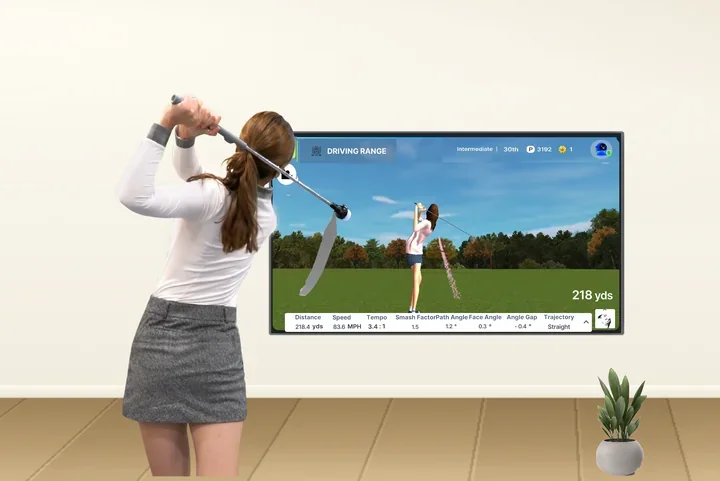
1. The coach dashboard on a big screen.
See each student's practice volume, distance, accuracy and round records at a glance on a large monitor. It also makes it easy to walk through the data with a student during a lesson.
2. Your swing and courses, bigger.
Practice with swing analysis and 3D courses on a wide screen. Swing in front of your TV at home and check your form right away.
3. Sign in with a QR code.
No ID or password to type on PC or TV. When you open the PC version, a QR code appears on screen. Scan it with the phone app and you are signed in automatically.
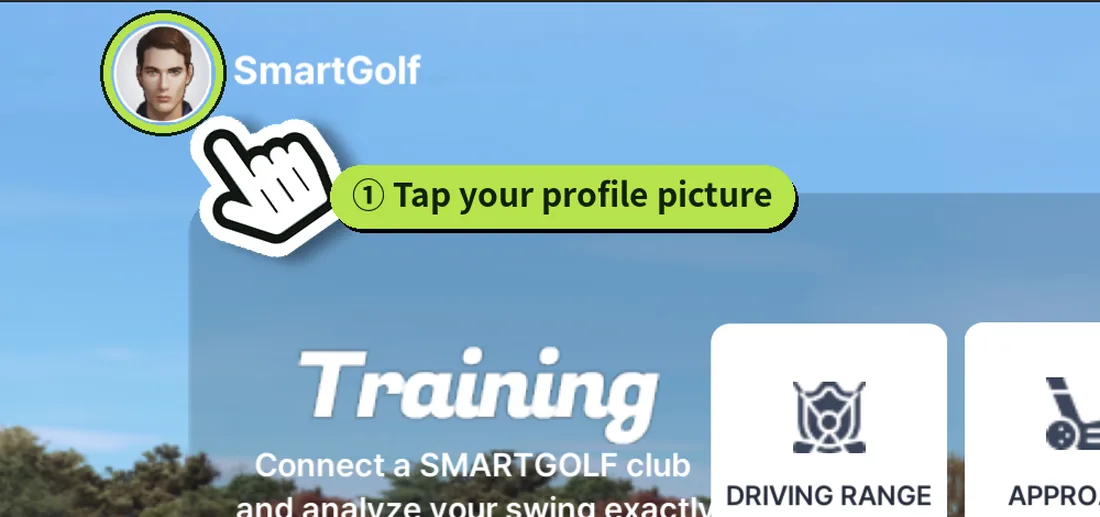
① In the phone app, tap your profile picture at the top left.
② In the info window, tap PC·TV login.
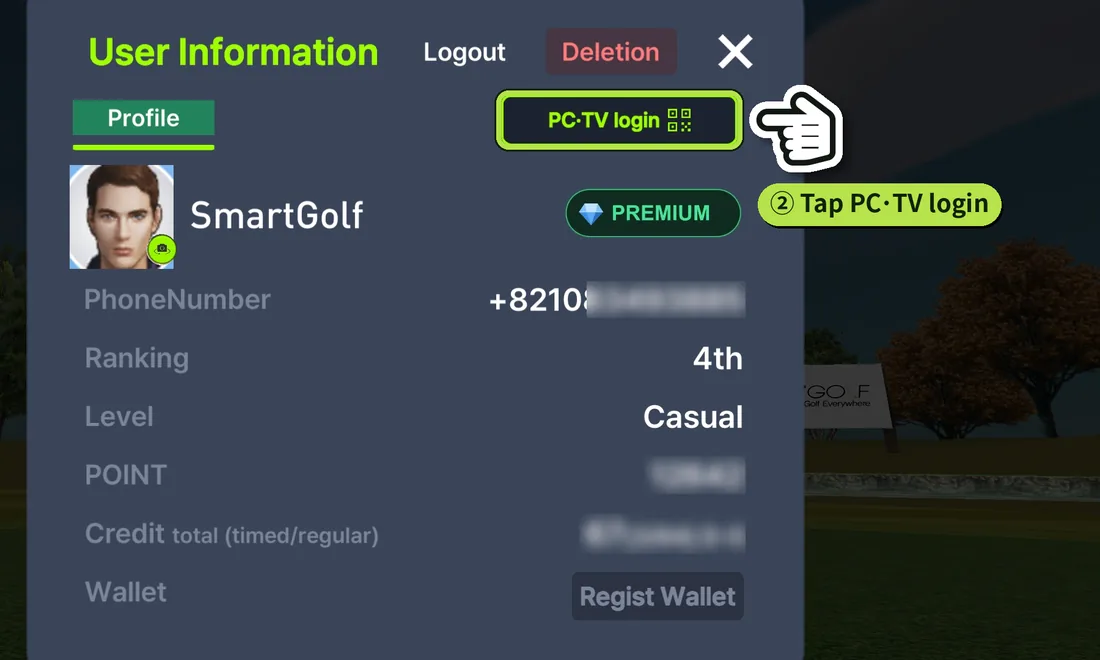
③ When the camera opens, point it at the QR code on the PC or TV. You are signed in automatically.
Step-by-step guide with pictures: Get the PC version · How to log in on PC·TV
Questions about installing or using it? Contact us.
